
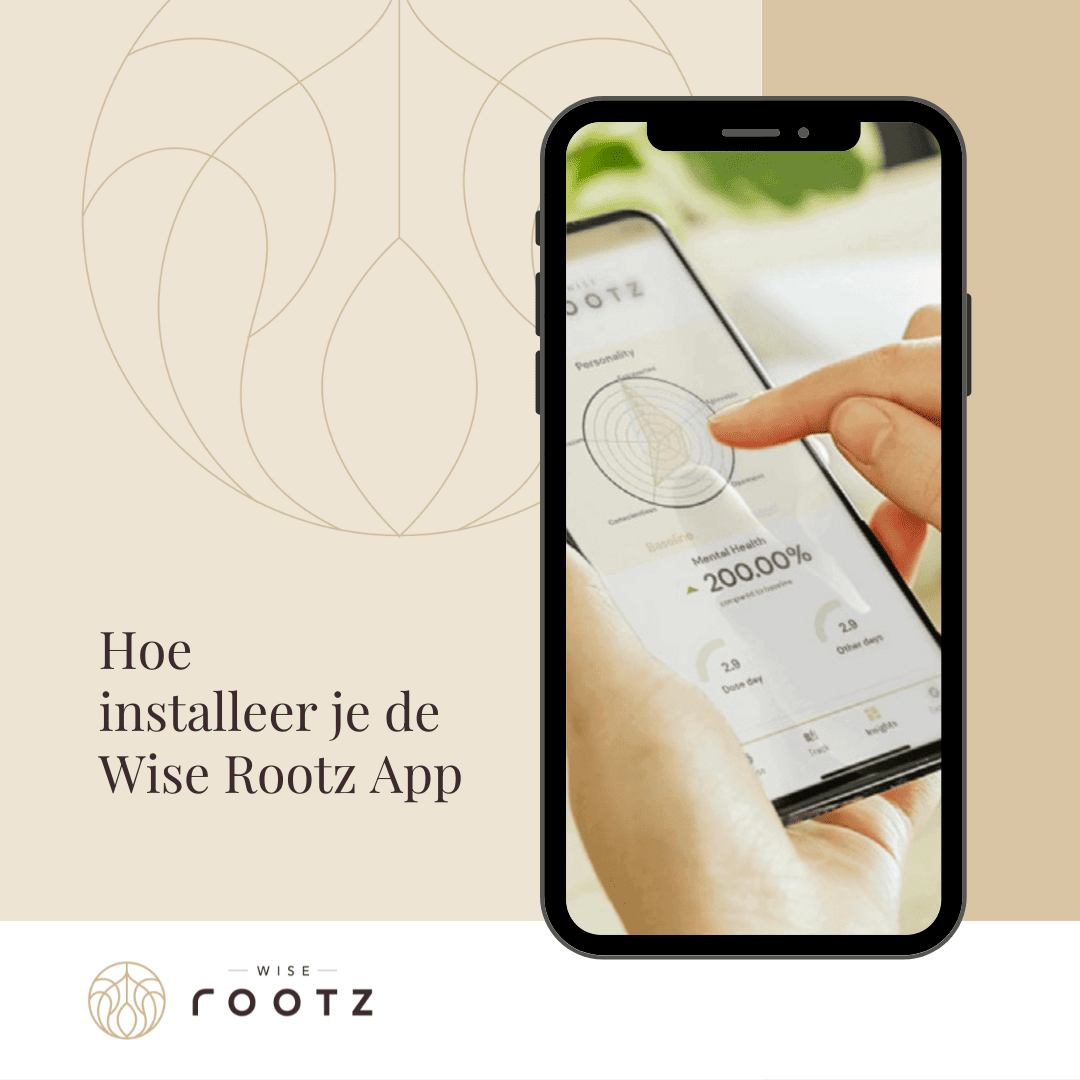
The Wise Rootz app guides you through your microdosing journey. You can use it to keep track of your dosage and experiences, complete check-ins and look back at what you’ve recorded as you go along.
The app is part of the Wise Rootz microdosing box and helps you not only to microdose, but also to to consciously observe what you experience throughout the process.
To access the Wise Rootz coaching programme, you’ll need a unique Wise Rootz code required.
Depending on your box, this works in one of two ways:
Is there a unique code on the instruction leaflet in your box?
→ Follow Route A.
Is there no unique code on your user manual?
→ Follow Route B to generate your personal code first.
New to microdosing? Read this first what microdosing is and how it works.
Take the instructions for use out of your Wise Rootz microdosing box.
You’ll find your unique Wise Rootz code. Make sure you keep this safe: you’ll need it later to link your account to Wise Rootz in the app.
Have you found the code? If so, you don’t need to generate a new code via our website.
Go straight to ‘Install the app’ below.
Is there no unique code on the instruction leaflet in your box? If not, you can generate your personal code via Wise Rootz.
Scan the QR code on the instruction manual using your phone’s camera.
You will then be redirected to the Wise Rootz website to activate your access.
Enter your username, email address and password, then click on ‘Register’.
This account gives you access to the section where you can generate your unique Wise Rootz code.
Once you have registered, you will be given the option to generate your personal code.
Click on ‘Generate now’.
You can now see your unique Wise Rootz code.
Copy this and keep it safe. You’ll need the code later to link your account to Wise Rootz in the app.
You can now continue with the installation of the app.
From here on, the steps are the same for both routes.
Android: Download Dose from the Google Play Store.
Apple: Open the link provided in Safari, then tap Share and select ‘Add to home screen’ to add Dose to your home screen.
Then open Dose.
When you open Dose for the first time, you’ll see a series of introductory screens.
Go through these screens and tap ‘Next’ to continue.

You’ll be given a number of options for what to do next.
Select:
‘Continue with Email’ / ‘Ga door met e-mail’

Enter your email address and a password, then create your account.
Please note: this is your account within Dose. If you first created an account on the Wise Rootz website via Route B to generate your code, you may therefore have completed two separate account creation steps.
You can then link your Wise Rootz code.

Now take the code that:
Please enter this in the:
‘Do you have a partner code?’
Then click on ‘Validate’.
This allows you to link your Dose account to the Wise Rootz coaching programme.

Can you see the message saying that you have successfully connected to Wise Rootz? If so, the installation was successful.
Next, go through the personal settings in the app. You can then start using the Wise Rootz guide.

The app isn’t just there to help you tick off your microdosing days.
During your microdosing journey, you can use the app to consciously keep track of what you’re experiencing and look back on your personal development over the course of the month.
By completing your check-ins regularly, you’ll build up an overview that makes it easier to spot patterns in, for example, your focus, energy, mood and other personal observations.
That is exactly why the app is included in our microdosing boxes: at Wise Rootz, microdosing isn’t just about what you take, but also about consciously observe what you experience throughout the process.
Would you like to know how the app is used as part of the full Wise Rootz process? Then take a look at the User guide for the Wise Rootz Microdosing Box.
Is your Wise Rootz code not working?
First, check which route applies to your box:
Is there a code in your user manual?
Please use this exact code. You won’t need to generate a new code.
Is there no code in your user manual?
Follow Route B above to generate your personal code via Wise Rootz.
Next, check that you have entered the code in full and correctly at ‘Do you have a partner code?’.
If you’re still having trouble after that, please contact Wise Rootz via info@wiserootz.nl, then we’ll be happy to help you.
Don’t have a Wise Rootz microdosing box yet?
Our microdosing experience combines microdosing with cocoa, information and guidance via the Wise Rootz app. This means you not only receive the products, but also a framework to help you engage mindfully with your microdosing process over the course of a month.
Discover the Wise Rootz microdosing boxes.
The Wise Rootz app is designed to provide guidance, record-keeping and personal reflection, and is not a medical device. The information and insights contained in the app are not intended to diagnose, treat, cure or prevent any physical or mental health conditions.
Microdosing is not suitable for everyone. Are you taking any medication, do you have a medical or psychiatric condition, or are you unsure whether microdosing is right for you? If so, please consult a doctor or other qualified healthcare professional beforehand.